Smart-Home Cybersecurity Guidance for Grand Strand Property Owners
Grand Strand property owners can improve smart-home security and protect physical premises by adopting simple Wi-Fi, password, and network maintenance habits.
Why this matters locally
With 70 percent of U.S. households utilizing connected devices like smart locks and security cameras, securing home Wi-Fi networks prevents digital intrusions and protects physical properties in Horry County.
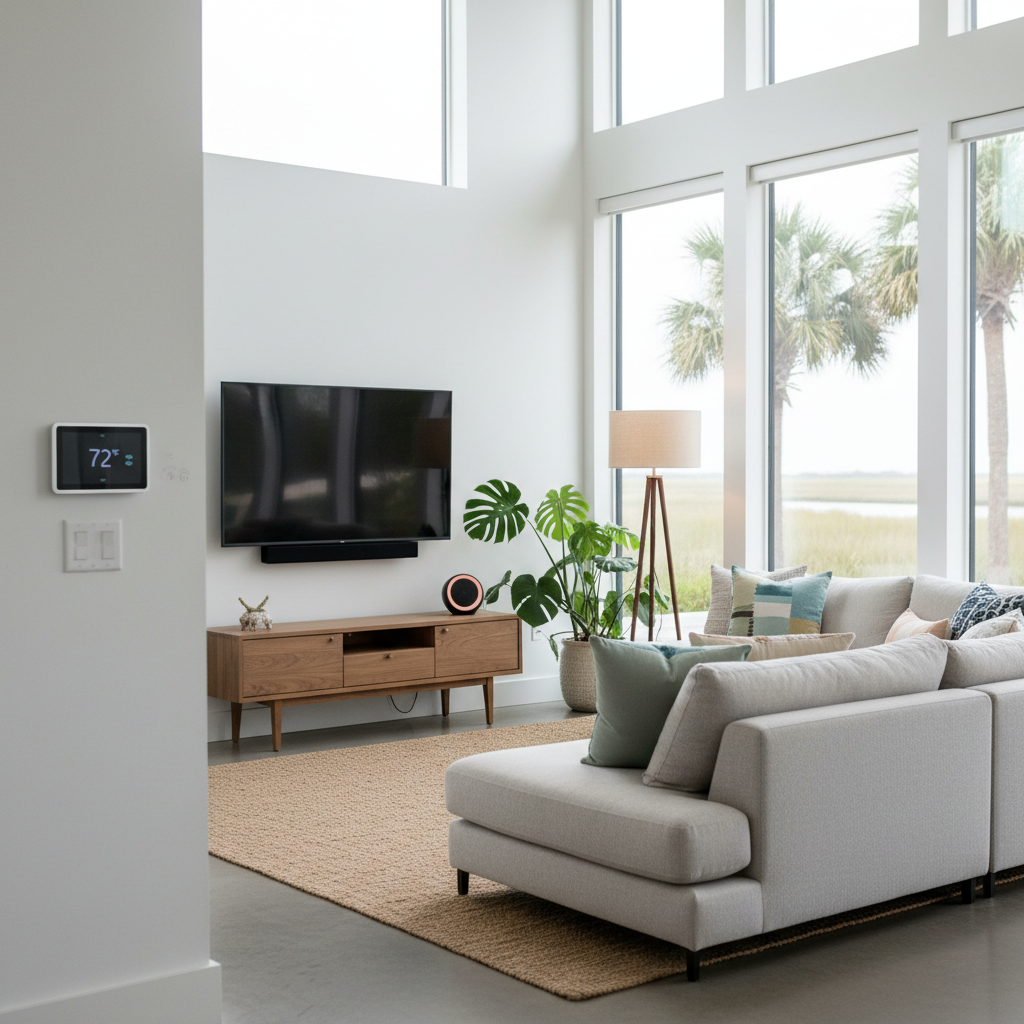
Smart-home devices such as video doorbells, connected garage doors, digital locks, Wi-Fi thermostats, and wireless security cameras have become standard tools for managing residential properties, seasonal residences, and rental units across Horry County and the Grand Strand. While these tools offer remote management and visibility through mobile applications, security experts emphasize that unsecure equipment can expose home networks to unauthorized intrusions, threatening both digital privacy and physical property security.
Industry data shows that smart-home adoption continues to accelerate, with recent studies indicating that roughly 70 percent of U.S. households now use at least one connected device. As convenience increases, reliance on Wi-Fi networks, mobile apps, and smart equipment grows, expanding the potential points of exposure for local property owners.
According to Dustin Howard, head of information security at Mercury Insurance, connected systems broaden potential entry points into a residence. "Smart-home technology is incredibly useful, but it also expands the number of entry points into your home – not just digitally, but physically," Howard said. "The good news is that many of the most effective protections are simple, proactive steps that homeowners can take today."
Cybersecurity specialists recommend treating digital network defense as a routine home maintenance task, framing it alongside established duties like checking smoke detectors or locking doors. Howard emphasizes that taking simple steps safeguards both physical and digital assets. "As homes become more connected, cybersecurity becomes a core part of overall home protection," Howard noted. "It's not just about protecting your data – it's about protecting your property, your privacy and your peace of mind."
A primary line of defense involves securing home Wi-Fi routers and network access points. Best practices recommend establishing strong, unique passwords that are at least 14 to 16 characters long, utilizing a combination of letters, numbers, and symbols. Property owners should configure router settings to enable WPA3 encryption when available to prevent unauthorized access, activate the router's built-in firewall, and disable Wi-Fi Protected Setup (WPS). Additionally, administrative settings on new equipment must be changed immediately, as factory default usernames and passwords on routers and smart devices are widely known and easily exploited by bad actors.
To guard against compromised account credentials, multi-factor authentication (MFA) should be enabled across essential digital platforms, including email accounts, online banking and financial applications, cloud storage, and social media accounts. Cybersecurity guidance recommends using dedicated authenticator applications to generate confirmation codes rather than relying on text message or email verification.
Network segmentation provides a vital layer of isolation for property owners and vacation rental managers. Households can configure a secondary Wi-Fi or guest network specifically dedicated to smart-home hardware, including televisions, security cameras, smart speakers, and thermostats. Establishing a separate guest network for visitors further protects the main network, ensuring that personal laptops, mobile phones, and primary banking platforms remain isolated from connected appliances.
Ongoing device maintenance is critical to closing vulnerabilities over time. Property owners should enable automatic updates for operating systems, mobile applications, web browsers, and smart-device firmware so critical security patches are installed immediately. If older devices reach the end of their product lifecycle and no longer receive software updates, specialists advise replacing them to avoid compromising the broader network. Property owners can maintain ongoing network visibility by regularly reviewing connected devices, removing unfamiliar or unused hardware, and enabling router notifications for real-time alerts whenever a new device connects.
Residents and property owners seeking additional information about home network safety and threat reduction strategies can review educational materials online through Mercury Insurance at mercuryinsurance.com/resources.
Quick facts
- Target Audience: Horry County property owners and rental managers
- Core Focus: Smart-home cybersecurity and network protection
- Key Measure: Passwords 14-16+ characters and WPA3 encryption
- Recommended Action: Network segmentation and automatic updates
- Online Reference: mercuryinsurance.com/resources
Community brief · prepared from MyHorryNews / Myrtle Beach Herald material · original source